 EdgePilot
Let AI agents drive Microsoft Edge, over MCP
EdgePilot is an MCP server and Microsoft Edge extension for Windows. Each chat gets a labelled tab-group workspace or its own Edge profile, you can talk to the agent from the side panel, and sign-in goes through the Edge password manager without the agent ever seeing a password.
- 38MCP tools
- 2workspace modes: labels or a profile per chat
- 3MCP protocol versions supported
- 0npm dependencies
Features
Built for using your everyday Edge with AI agents, several chats at once, with you in control.

Workspaces that stay
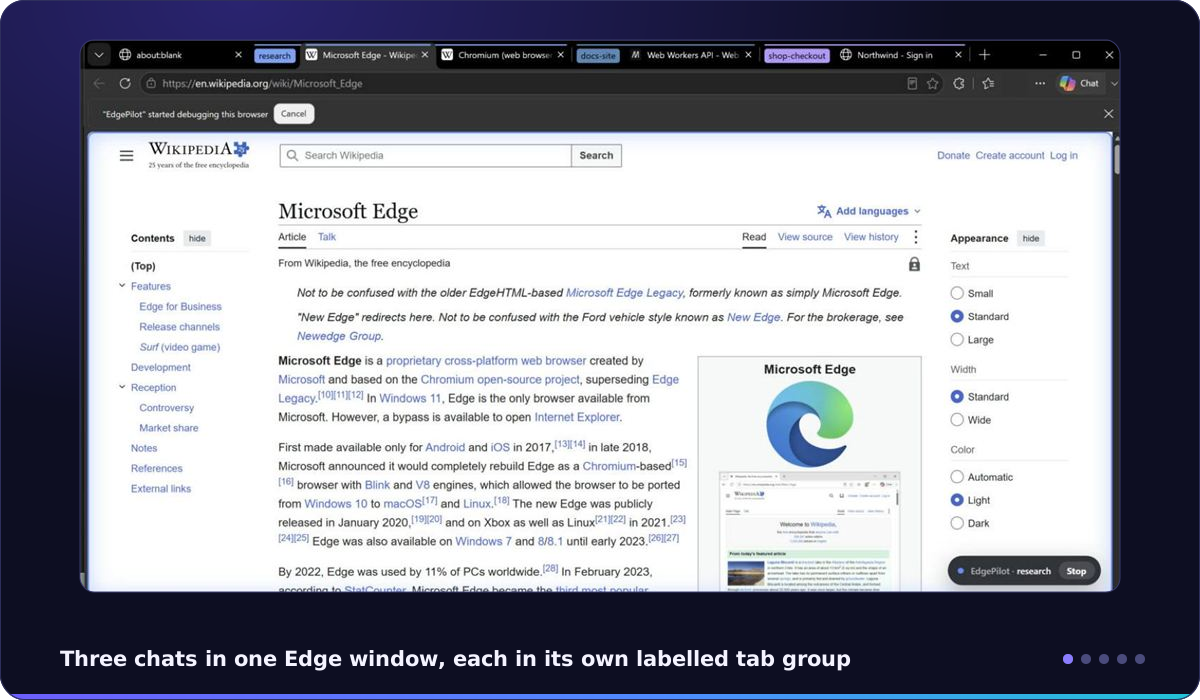
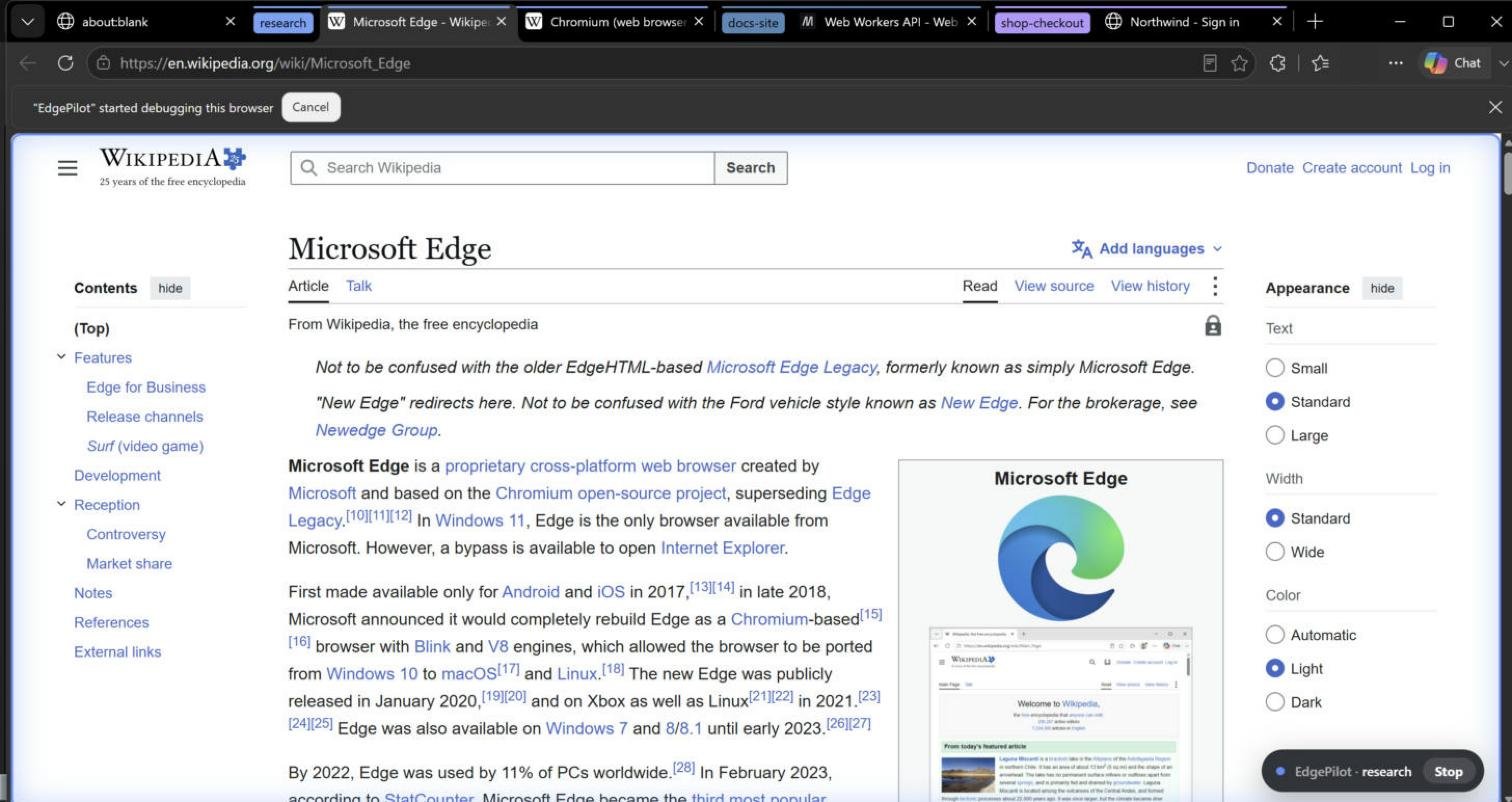
Every chat works in its own Edge tab group, labelled with the chat's name. The label survives Edge restarts, so tomorrow's chat in the same project picks up the same tabs.

A profile per chat, if you want
Keep every chat in one Edge with your usual sign-ins, or give a chat its own separate Edge profile with separate cookies, accounts and history, started automatically.

Chat from the side panel
The side panel has a chat per workspace. Messages reach the agent live where the client supports channel events, or with its next action; replies also show as Edge notifications.

Edge passwords, never exposed
You approve each sign-in in an Edge window; Edge's own password manager fills the login. Password values are masked in everything the agent can read.

You stay in control
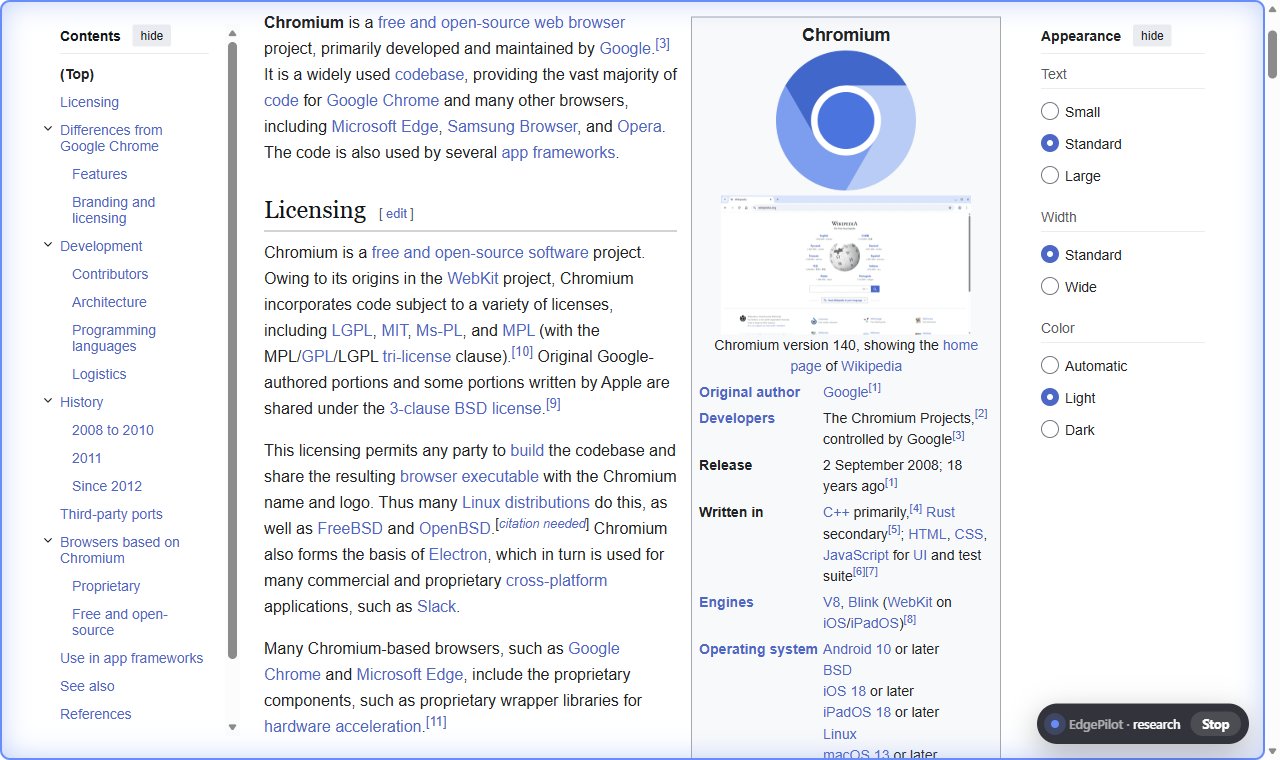
Pause all agents, stop a single workspace, or press Stop on the on-page indicator. Block sites entirely. Every action is in the activity timeline.

38 MCP tools
Trusted mouse and keyboard input, screenshots, accessibility tree with refs, tables and links, console and network capture, emulation, PDF export, downloads, favorites and history.
Screenshots
The EdgePilot windows come in light and dark, following the theme of Edge. This page shows the ones that match yours.




Install
Requirements: Windows 10 or 11, Microsoft Edge and Node.js 22 or newer (the installer offers to install it with winget).
Get EdgePilot
Run the one-line installer in PowerShell:
irm https://raw.githubusercontent.com/AndrasBogdanAndrei/EdgePilot/main/install.ps1 | iexor download
EdgePilot-1.0.0.zipfrom the latest release, unzip it and double-clickinstall.cmd. The installer registers the bridge for Edge (current user only), connects the MCP clients it finds, copies the extension folder path to your clipboard and waits until Edge connects.Run the installer yourself, from Explorer or a normal terminal. Some desktop apps run their terminals in a packaged (MSIX) sandbox with a private copy of the registry, and Edge would not see a bridge registered from there.
Load the extension in Edge
In every Edge profile you want agents to use: open
edge://extensions, turn on Developer mode, click Load unpacked, paste the path and select the folder. Separate-profile mode needs nothing else.Connect your MCP client
Add a stdio server to your MCP client (Cursor, VS Code, Windsurf and others):
{
  "mcpServers": {
    "edgepilot": {
      "command": "node",
      "args": ["C:\\Users\\you\\EdgePilot\\mcp\\server.js"]
    }
  }
}
Start a new chat and ask it to use Edge.
MCP tools
EdgePilot exposes 38 tools to the agent. Full descriptions in the README.
Workspaces & browsers
workspace list_connected_browsers select_browser list_edge_profiles launch_edge_profile browser_batch
Tabs & navigation
tabs_context tabs_create tabs_select tabs_close navigate
Input & vision
computer highlight
Reading
read_page find get_page_text get_links extract_tables
Forms & scripting
form_input javascript_tool page_storage file_upload wait_for handle_dialog
Debugging & testing
read_console_messages read_network_requests block_urls emulate performance_metrics resize_window save_pdf
Edge features
autofill_credentials downloads bookmarks history_search
Talking to you
ask_user chat_send chat_read
How it works

Each chat starts its own MCP server; each Edge profile with the extension starts its own bridge. Bridges listen on a local named pipe protected by a random token. No network ports are opened, except for a few seconds when a separate profile is created. EdgePilot sends nothing to a server; page content the agent reads goes to your MCP client and the AI model it uses.
FAQ
How do I let an AI agent control Microsoft Edge?
Install EdgePilot with install.cmd or the one-line PowerShell installer, load the extension folder in edge://extensions with Developer mode and Load unpacked, and add EdgePilot to your MCP client as a stdio server. Then start a new chat and ask the agent to use Edge. It opens its own labelled tab group and works there.
Which AI agents and MCP clients work with EdgePilot?
Any client that can start a local stdio MCP server, for example Cursor, VS Code, Windsurf or a command-line coding agent. EdgePilot answers MCP protocol versions 2024-11-05, 2025-03-26 and 2025-06-18.
Does the AI agent see my passwords?
No. The autofill_credentials tool asks for your approval in an Edge window the agent cannot click, and then the Edge password manager fills the fields. The agent only learns that the fields were filled. Password values are masked in page reads, scripts, console, network and storage output.
Can each AI chat use a different Edge profile or account?
Yes. In profile mode every chat gets its own Edge profile with separate cookies, accounts and history. In labels mode chats share one Edge profile and its sign-ins, each in its own tab group. A chat can also use one of your regular Edge profiles.
How do I stop an agent?
Press Stop on the on-page indicator, stop one workspace in the side panel, or pause all agents. You can also block sites so agents cannot read or control them.
Does EdgePilot work with Google Chrome, macOS or Linux?
No. EdgePilot is built for Microsoft Edge on Windows 10 and 11: the installer registers the bridge for Edge and the bridge uses Windows named pipes.
Is EdgePilot free?
It is free for any noncommercial use under the PolyForm Noncommercial License 1.0.0. For commercial use, open an issue on GitHub to ask for a license.